
Working Patterns
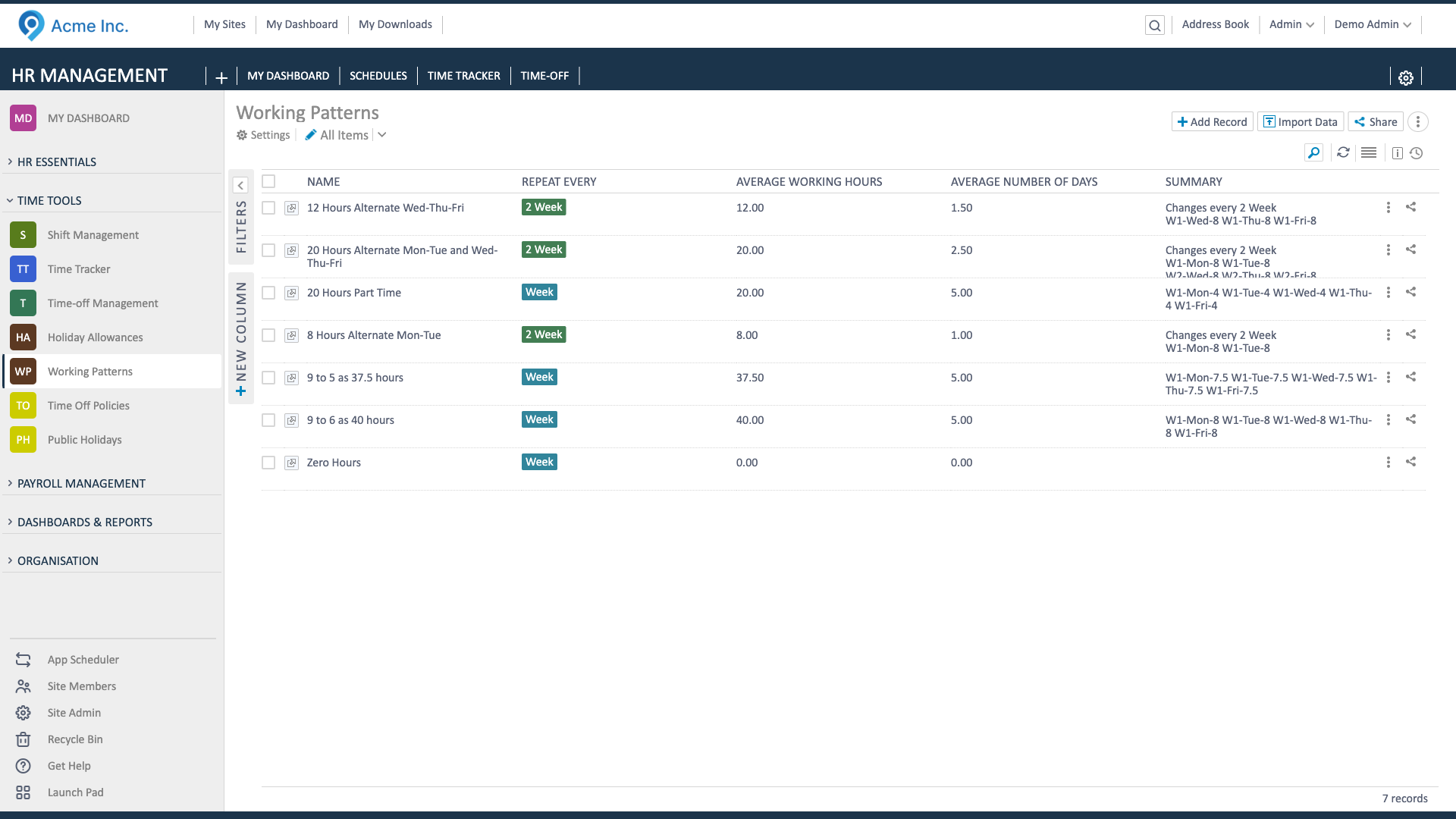
Working patterns define the standard days, hours, and breaks for each employee. Keep them up to date so auto-populate, time-off calculations, and approvals stay accurate.
Create a working pattern
Section titled “Create a working pattern”- Go to Working Patterns and click Add Record.
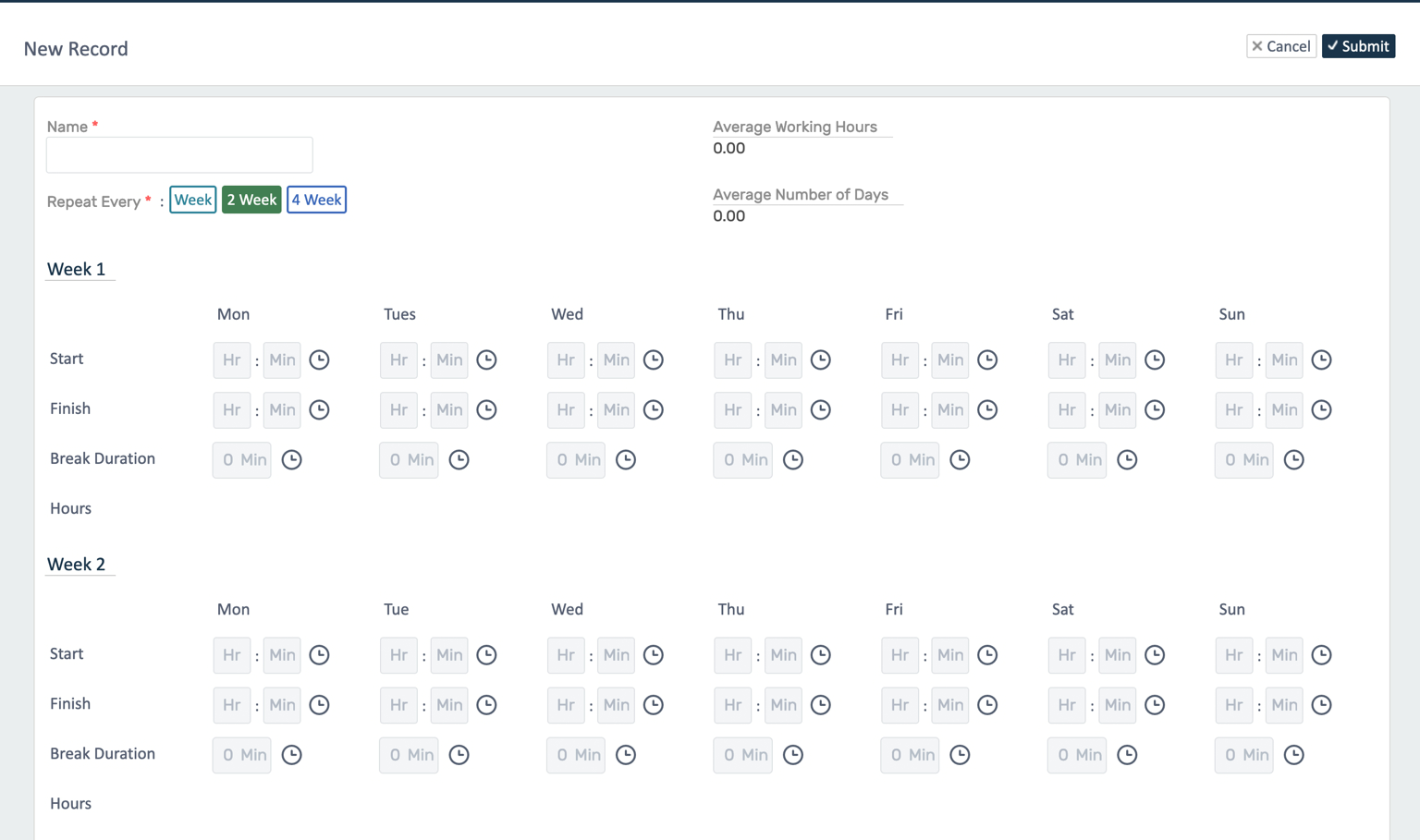
- Name it (use a clear label or the employee’s name if it’s specific).
- Choose the repeat cycle (1/2/4-week).
- Enter start/end times and break for each working day; leave non-working days blank.
- Save.
Assign to an employee
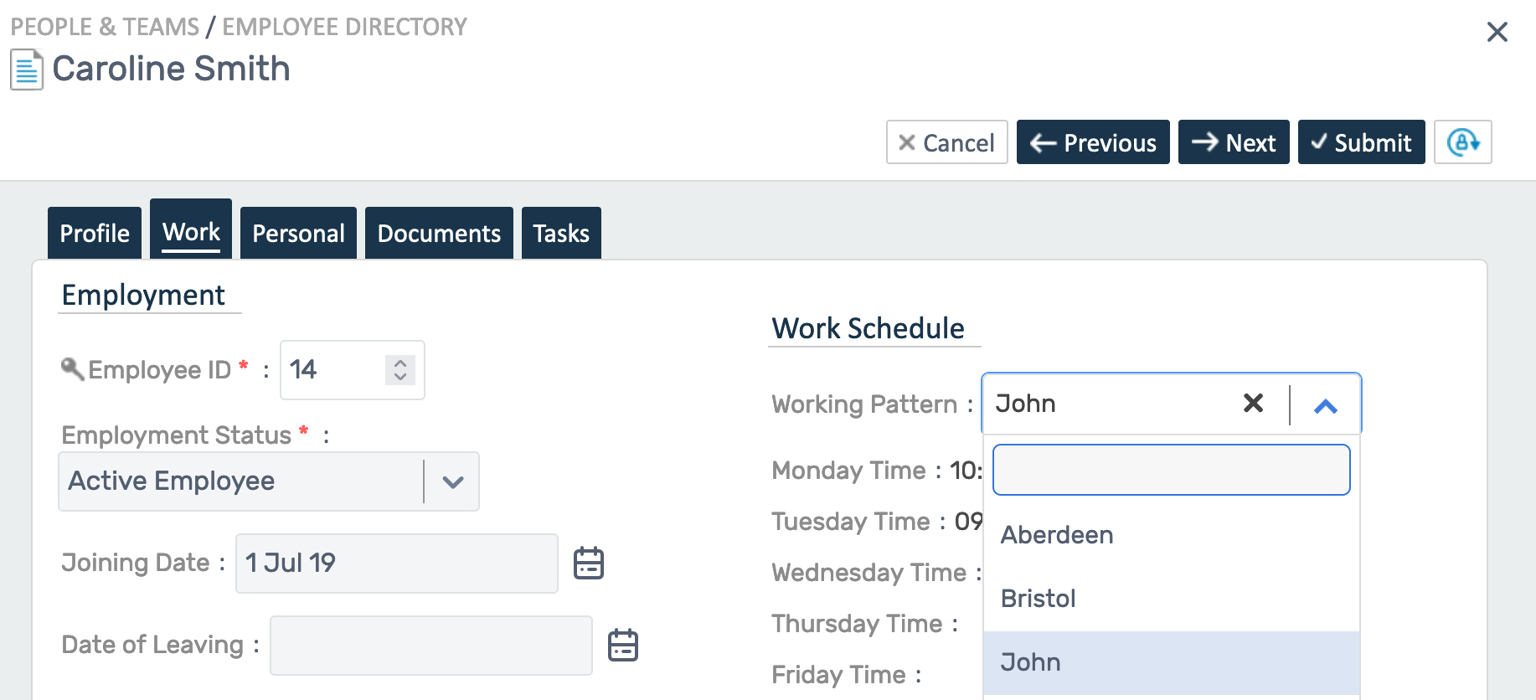
Section titled “Assign to an employee”- Open the employee record → Edit → Work tab.
- Select the new Working Pattern and save.
Why it matters
Section titled “Why it matters”- Auto-populate rotas: Uses patterns to fill weeks automatically.
- Time-off calculations: Leave duration is calculated from the pattern.
- Approvals/payroll: Overtime/undertime and payable hours compare to the pattern.