
Auto-Populating Shifts
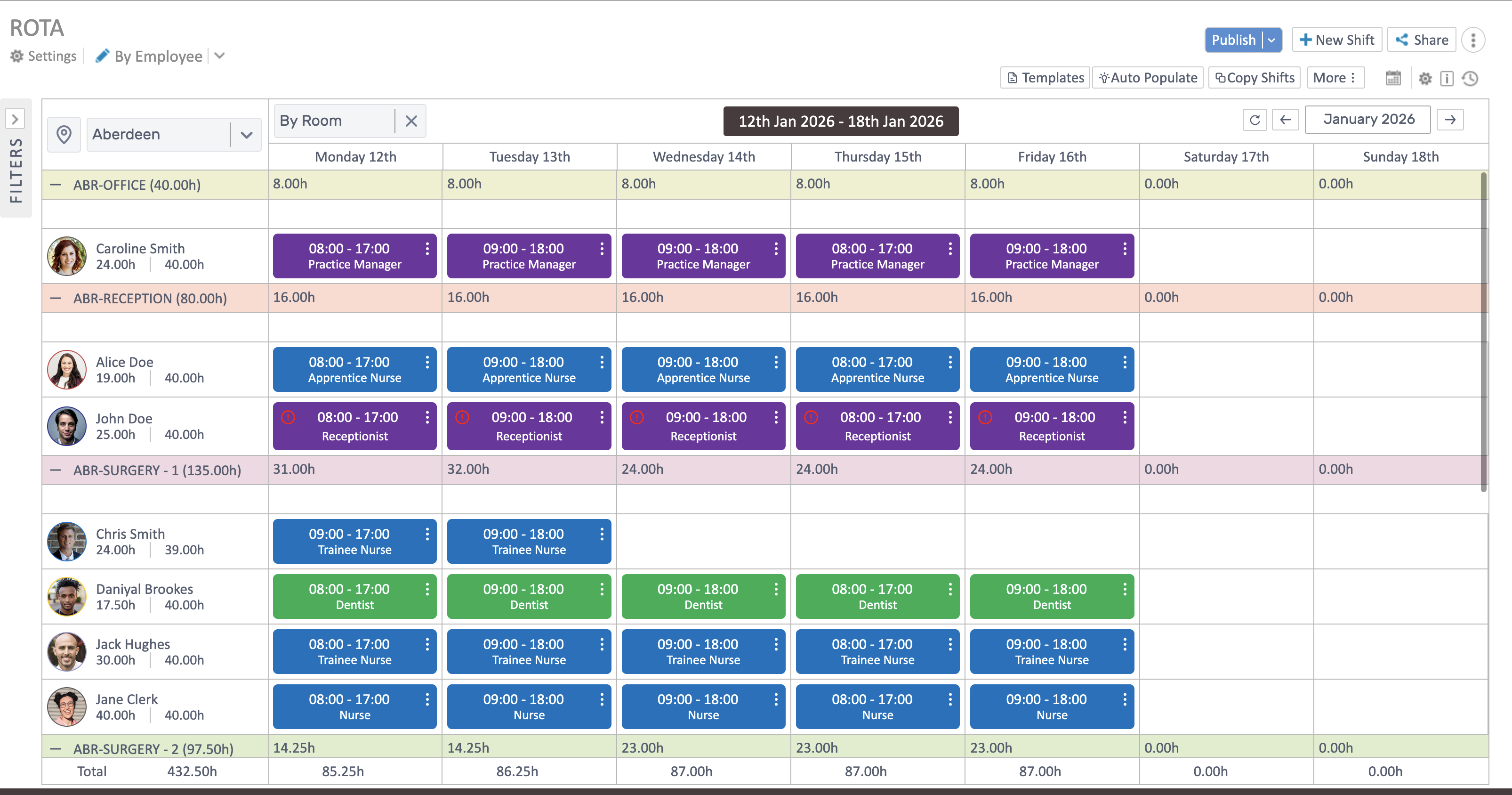
Auto-populate builds shifts from working patterns for the week range you select. Run it, tidy the results, then publish.
Before you run it
Section titled “Before you run it”- Working patterns exist for the people you’re scheduling.
- You’ve filtered to the right location (and room/role if needed).
- The correct week range is selected in the header.
Populate
Section titled “Populate”- Open Shift Management and set your filters and week range.
- Click Auto Populate and confirm the weeks to generate.
- The grid fills using working patterns; day and row totals update.
Tidy and publish
Section titled “Tidy and publish”- Drag, edit, or delete any generated shifts to balance coverage.
- Use Copy Shifts to repeat a clean week.
- Publish and share when ready. For detailed edits, see Managing Shifts.