
Viewing Your Rota
The Rota app lets you view your work schedule, see who you’re working with, and check your upcoming shifts.
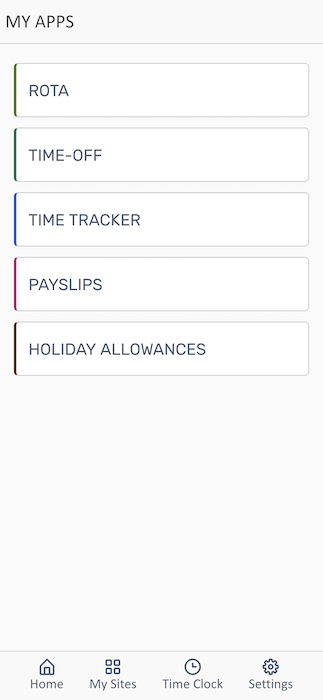
From the home screen, tap ROTA to view your schedule.
Rota Schedule View
Section titled “Rota Schedule View”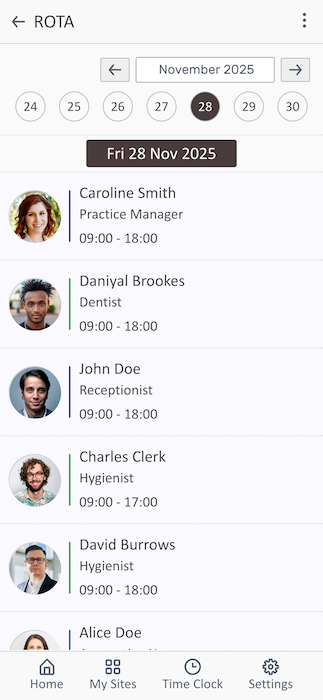
The rota displays your weekly schedule with detailed shift information.
Understanding the Rota View
Section titled “Understanding the Rota View”The schedule shows:
- Date Navigation - Week view with dates (24, 25, 26, 27, 28, 29, 30)
- Current Day - Highlighted with a dark circle (November 28, 2025 in the example)
- Selected Date Display - Shows the full date at the top (e.g., “Fri 28 Nov 2025”)
- Navigation Arrows - Previous/next week buttons
Related Features
Section titled “Related Features”- Time Clock - Clock in/out for your shifts
- Requesting Time-Off - Request leave from work
- Viewing Timesheets - Review your recorded hours